SHOWKATHALI.A
Tracking & Analytics Case Study

Google Ads Conversion Setup

A visual step-by-step documentation detailing how to successfully implement Google Ads conversion tracking using Google Tag Manager (GTM) within a WordPress environment.

Setup Screenshots

Implementation Workflow

Sequential mapping of tags, triggers, and validation variables.
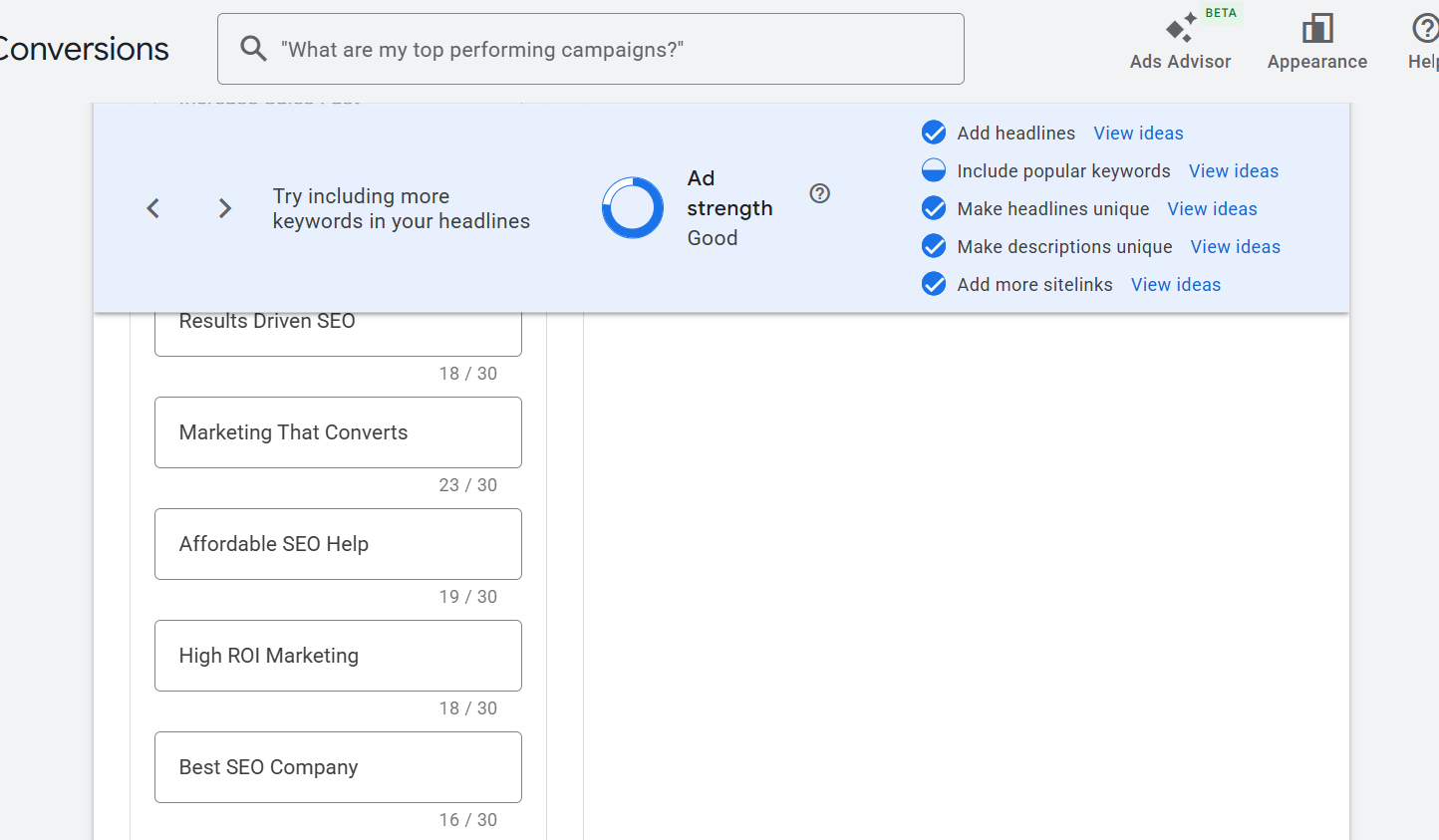
Step 01 / Context Overview
Google Ads Conversion Setup Screenshot 1

Initial setup configuration dashboard detailing the targeted tracking objectives for global event tags.
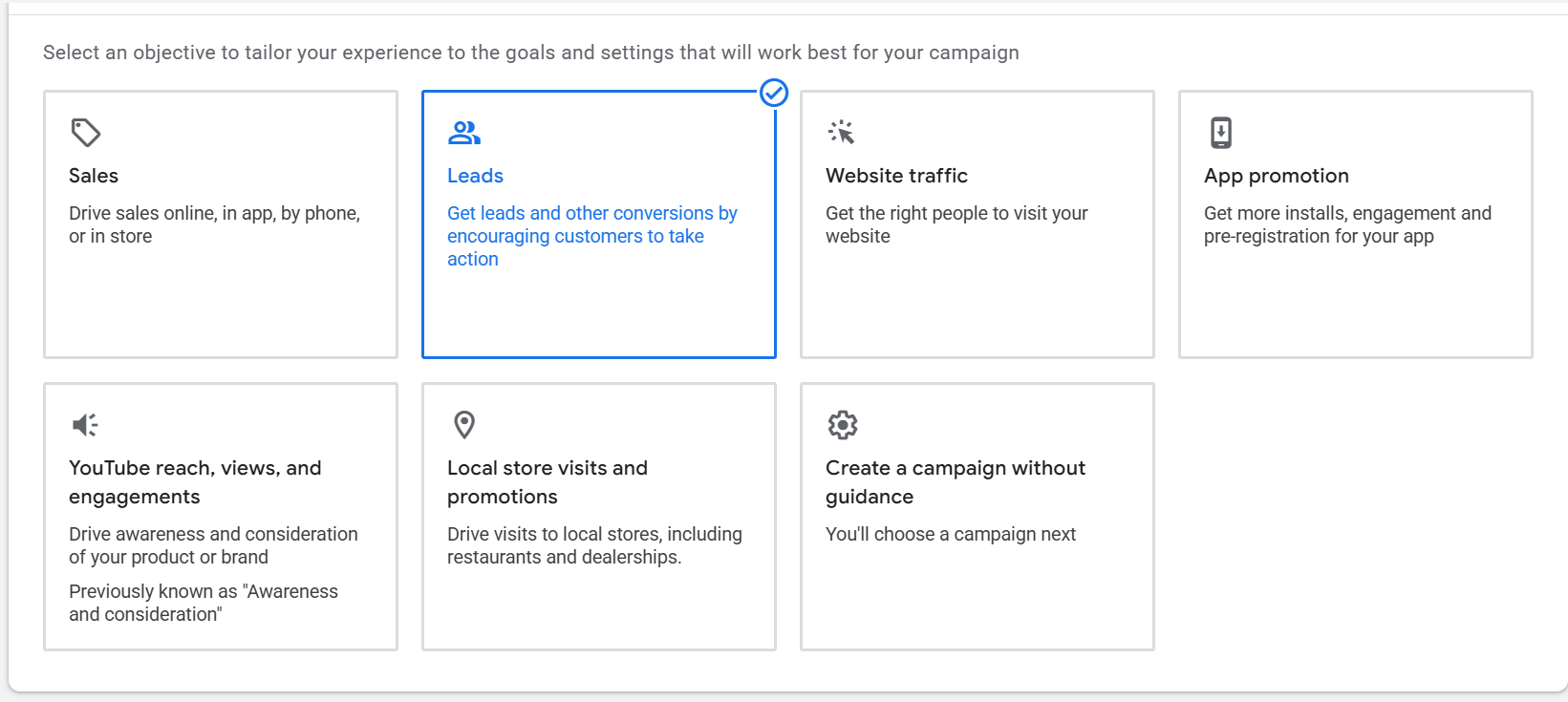
Step 02 / Tag Container Initiation
Google Ads Conversion Setup Screenshot 2

Configuring workspace variables and base triggers inside the primary Google Tag Manager wrapper.
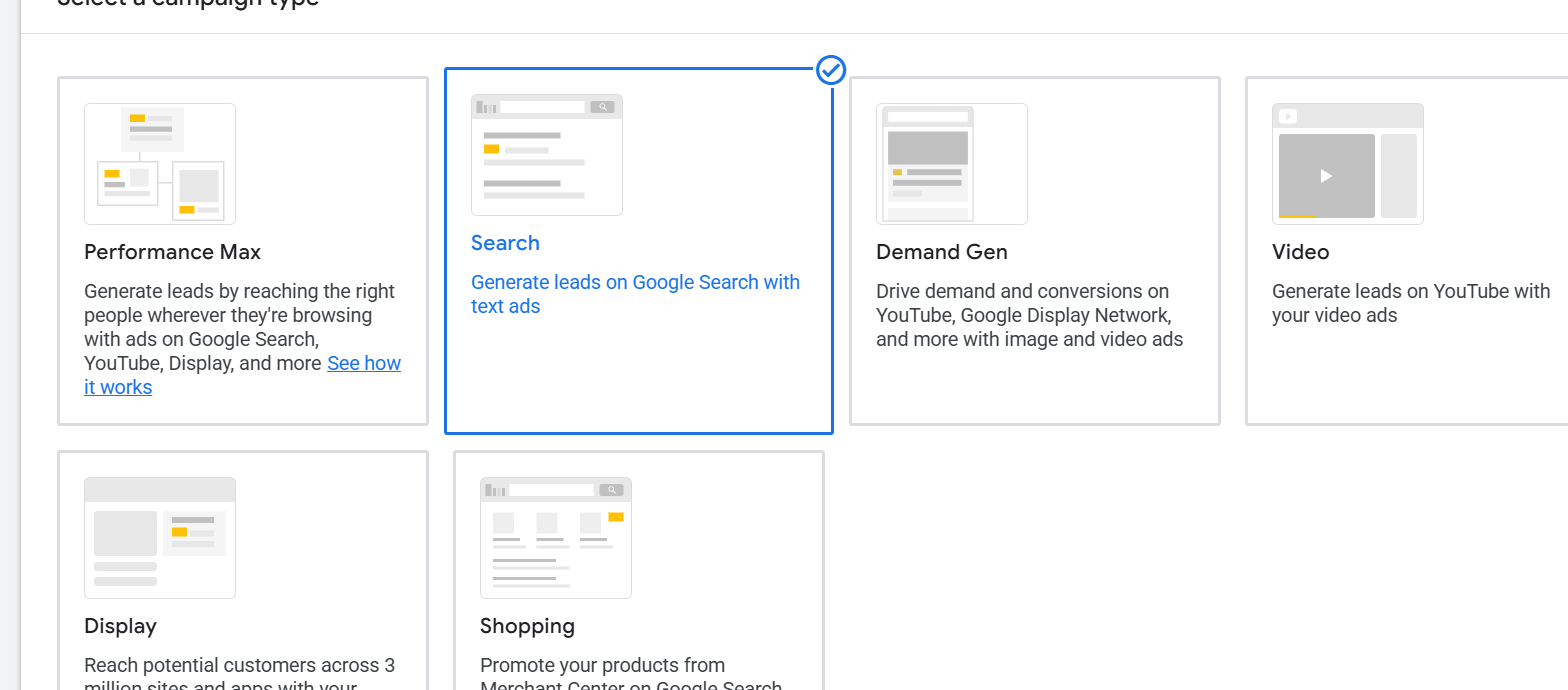
Step 03 / Conversion Linker Setup
Google Ads Conversion Setup Screenshot 3

Setting up the Conversion Linker tag to run across all page URLs to protect tracking integrity on Safari/Chrome environments.
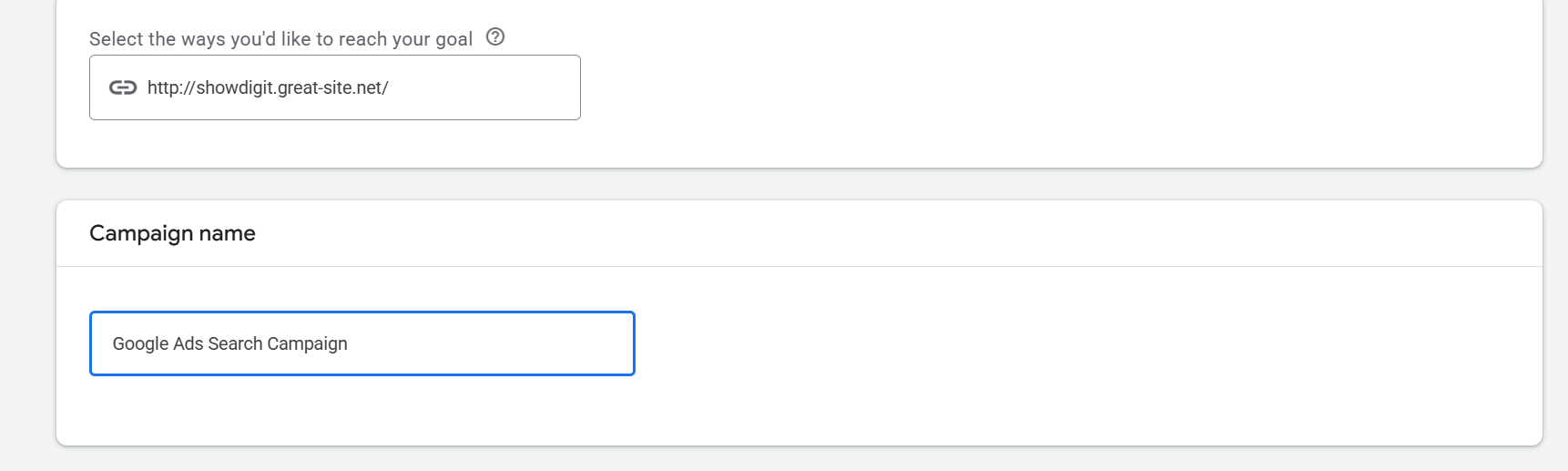
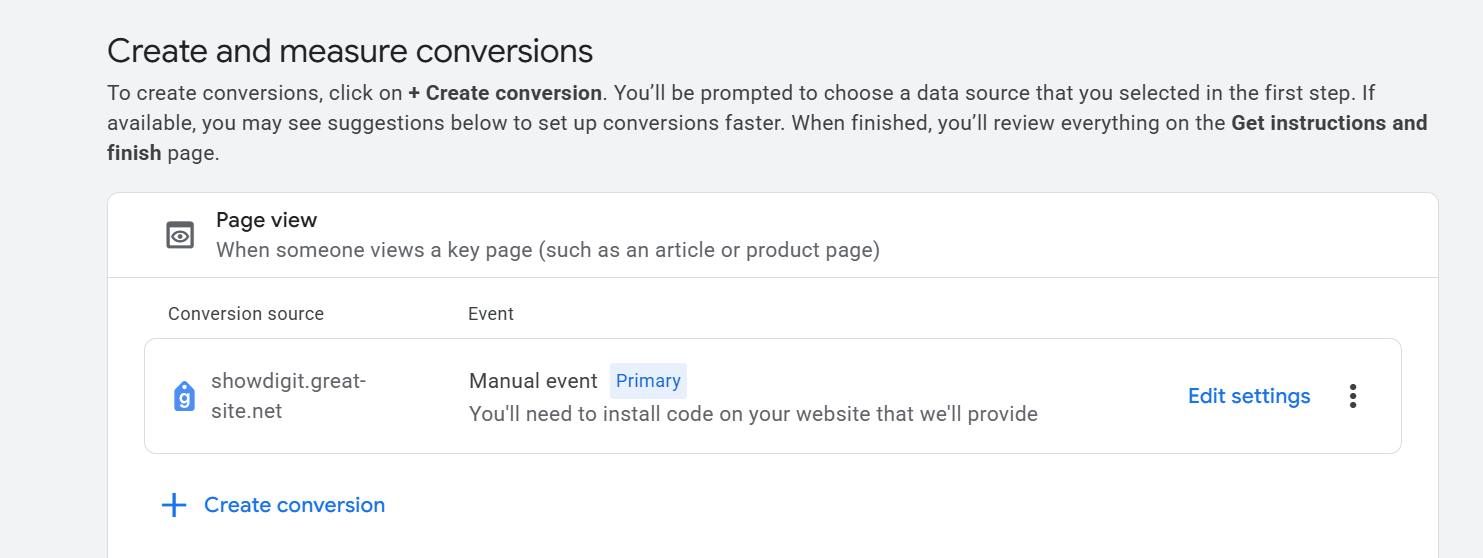
Step 04 / Defining Event Triggers
Google Ads Conversion Setup Screenshot 4

Building triggers based on unique button classes or WordPress thank-you page submission endpoints.
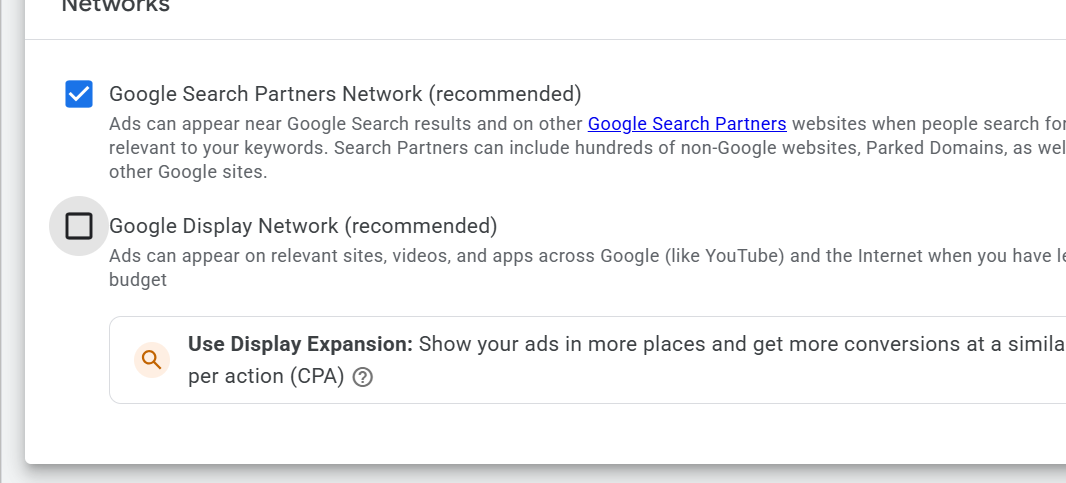
Step 05 / Tag Settings Alignment
Google Ads Conversion Setup Screenshot 5

Mapping Google Ads Conversion IDs and Conversion Labels directly between Google Ads and GTM containers.
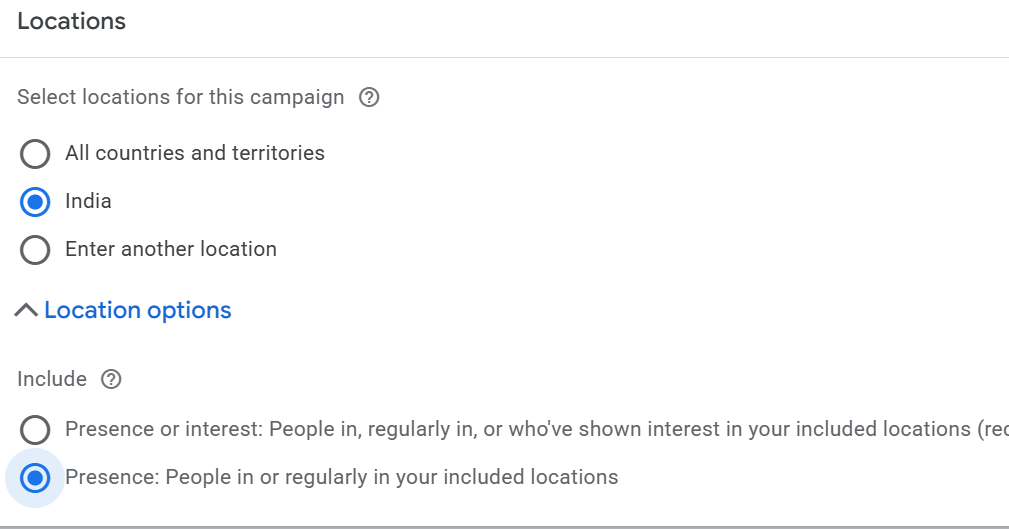
Step 06 / Custom Value Definitions
Google Ads Conversion Setup Screenshot 6

Assigning dataLayer variables to pull dynamic purchase amounts and currency formats straight from WordPress.

Step 07 / Form Validation Layer
Google Ads Conversion Setup Screenshot 7

Fine-tuning form submission listeners to prevent false conversions from unvalidated submissions.
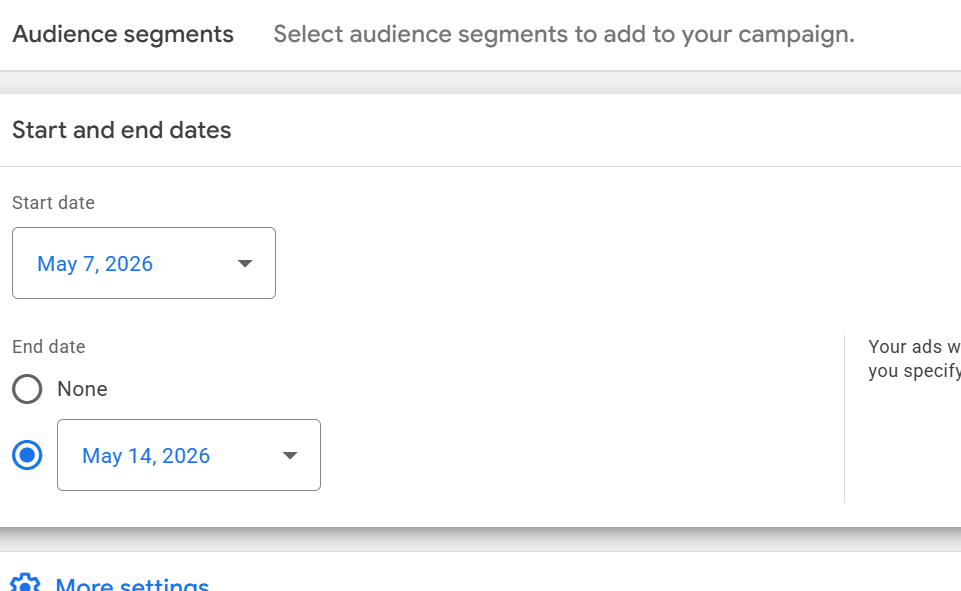
Step 08 / Container Injection Code
Google Ads Conversion Setup Screenshot 8

Obtaining WordPress custom integration snippet hooks to push GTM code inside `` and `` tags.

Step 09 / WordPress Plugin Integration
Google Ads Conversion Setup Screenshot 9

Verifying backend injection configurations on the WordPress plugin structure safely without breaks.
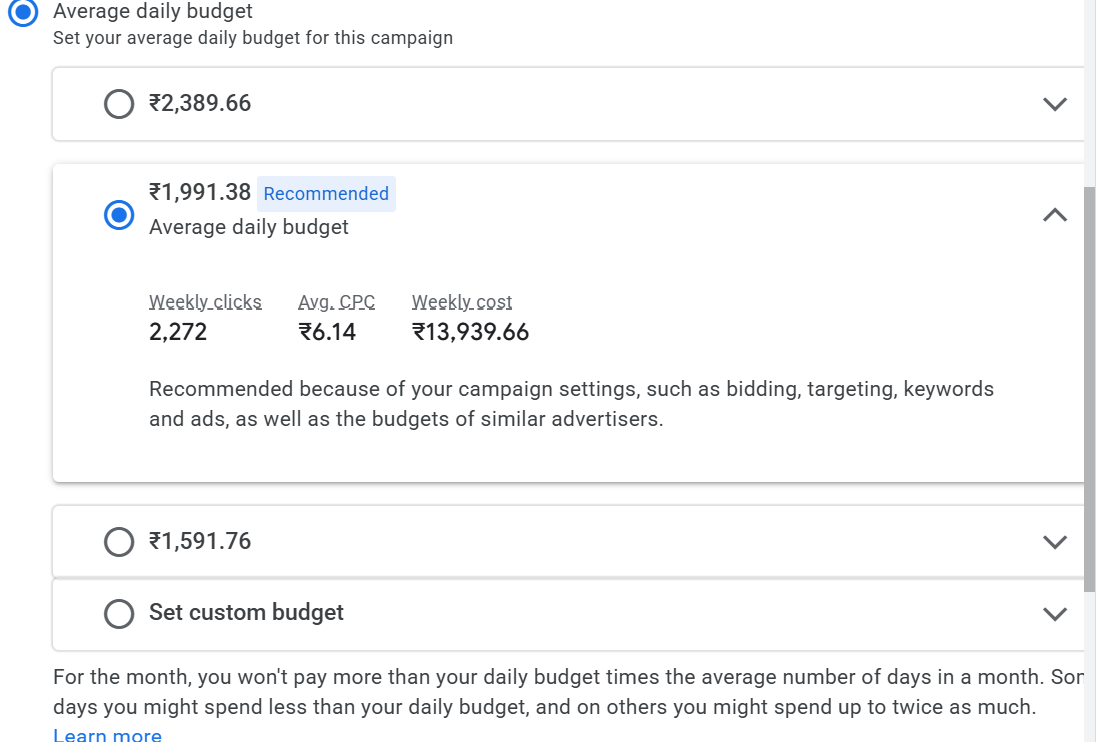
Step 10 / Preview Mode Diagnostics
Google Ads Conversion Setup Screenshot 10

Launching Tag Assistant preview panel sandbox to ensure targeted tags show up correctly on structural actions.
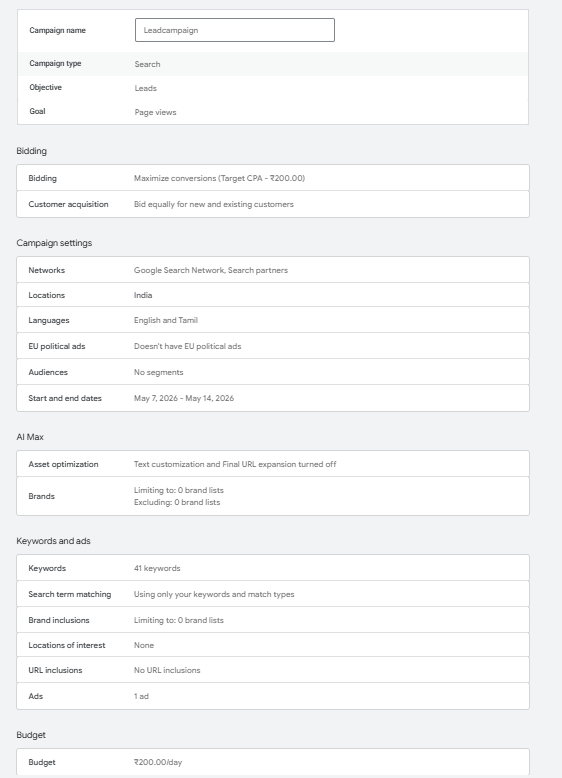
Step 11 / Variables Audit
Google Ads Conversion Setup Screenshot 11

Deep-dive structural look into variables processing stack during testing cycles.
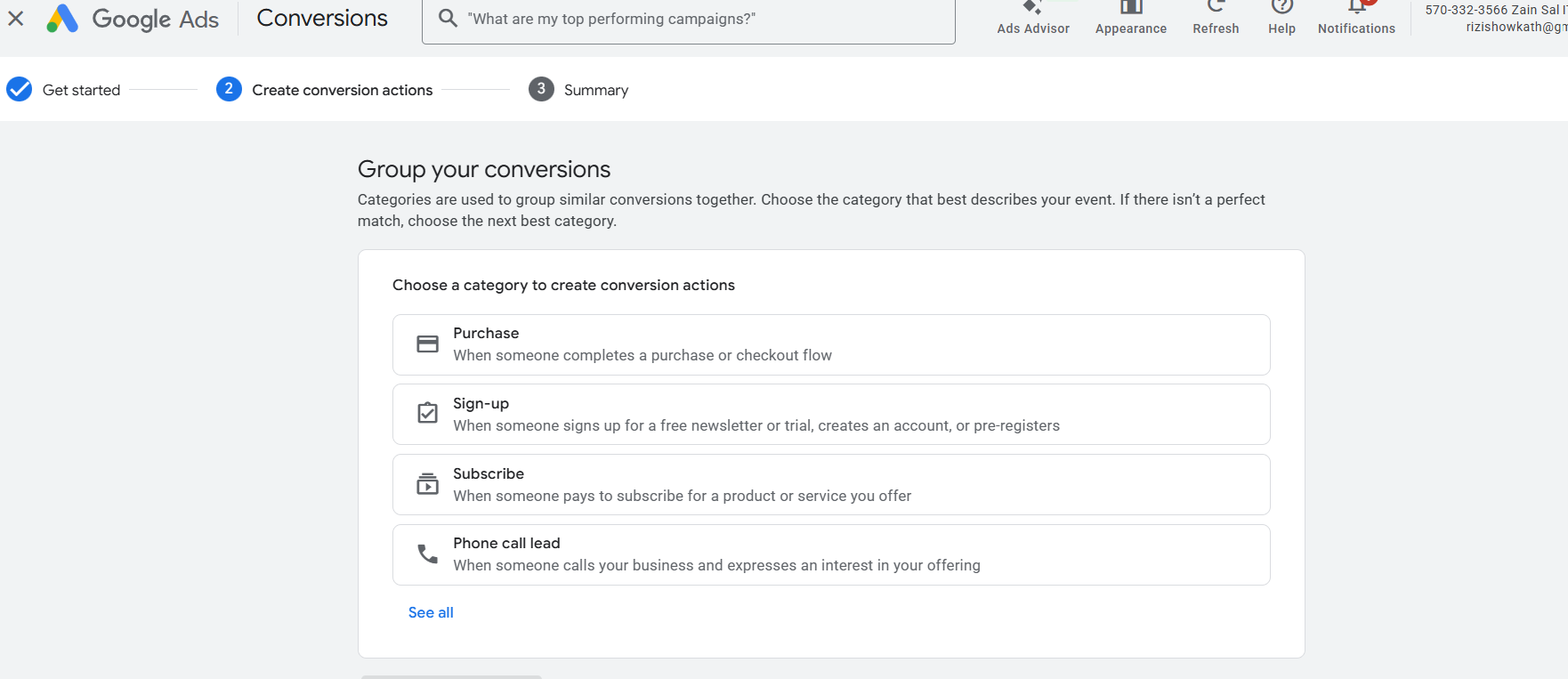
Step 12 / Event Properties Track
Google Ads Conversion Setup Screenshot 12

Confirming click data elements transfer seamlessly from UI event objects into tracking nodes.
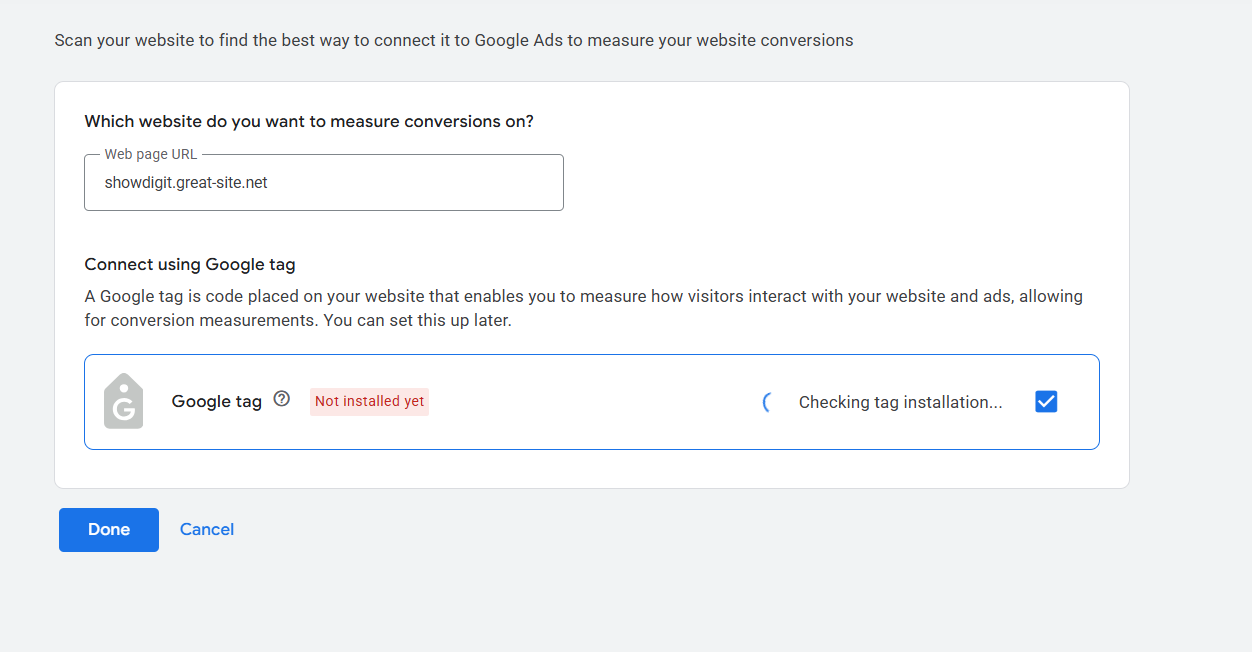
Step 13 / DOM Event Inspections
Google Ads Conversion Setup Screenshot 13

Validating deep Document Object Model structures during checkout states.
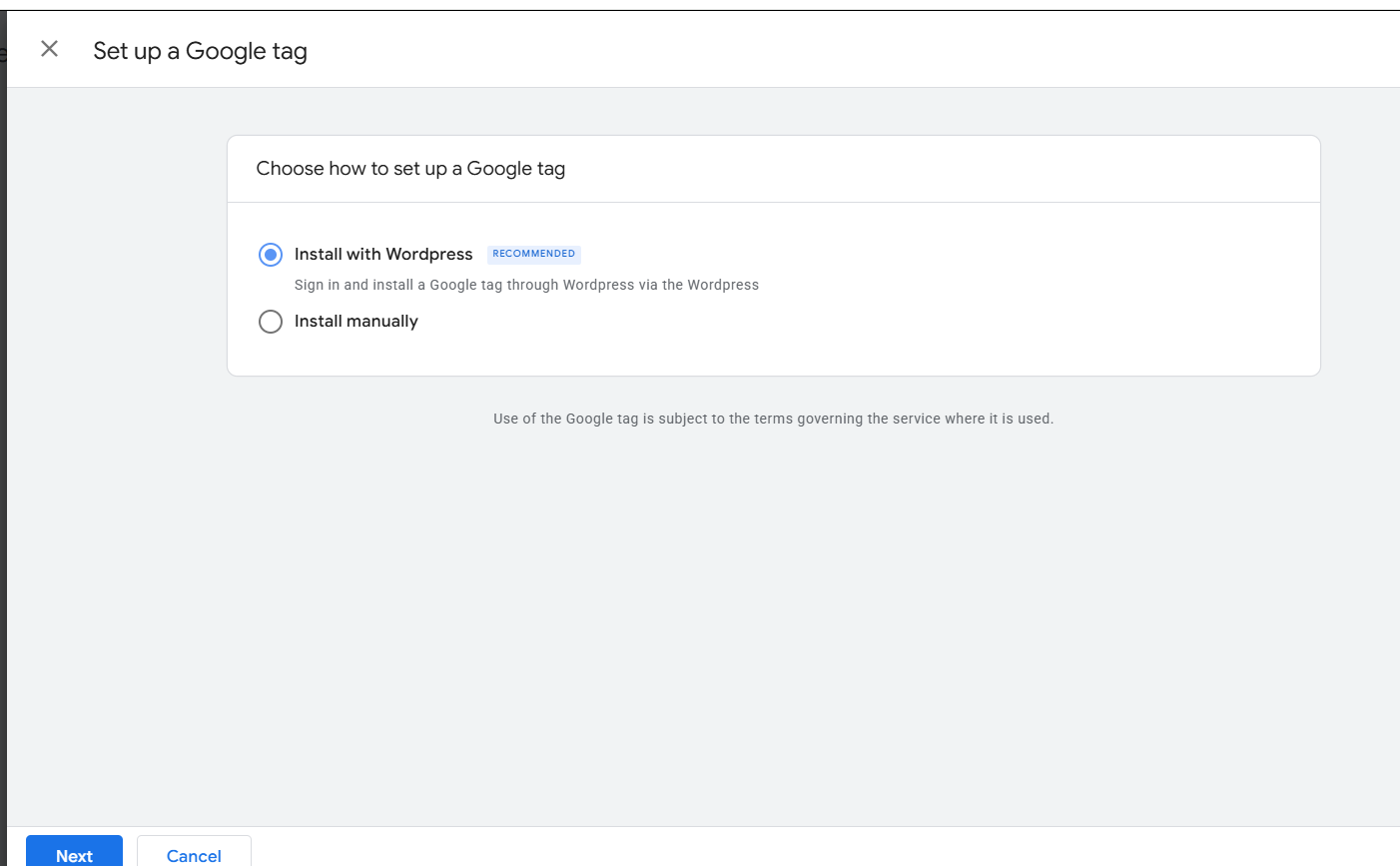
Step 14 / Dynamic Tags Processing
Google Ads Conversion Setup Screenshot 14

Tracking firing sequencing arrays inside the live preview debugging tools panel.
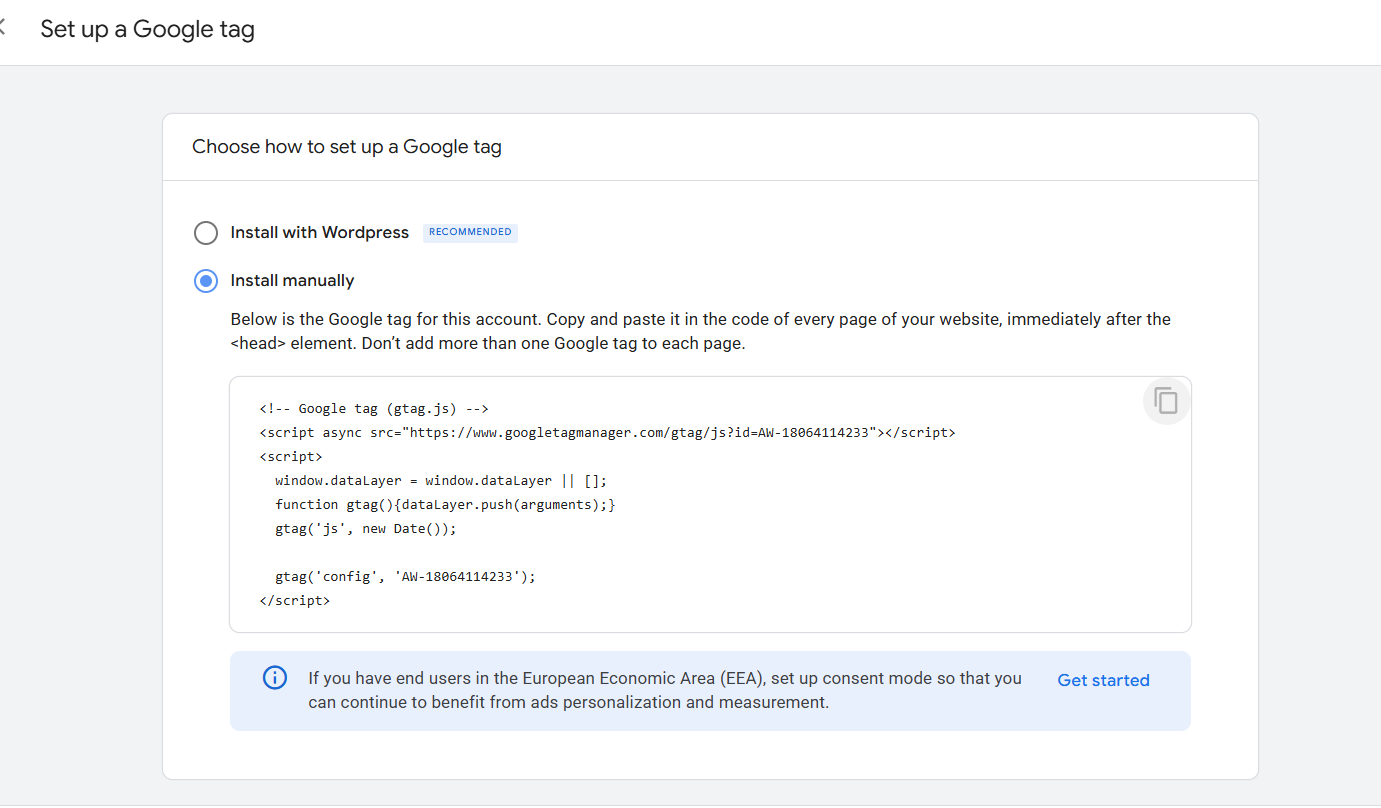
Step 15 / Tag Success Checks
Google Ads Conversion Setup Screenshot 15

Confirming Google Ads tracking tag reports a "Succeeded" response state.
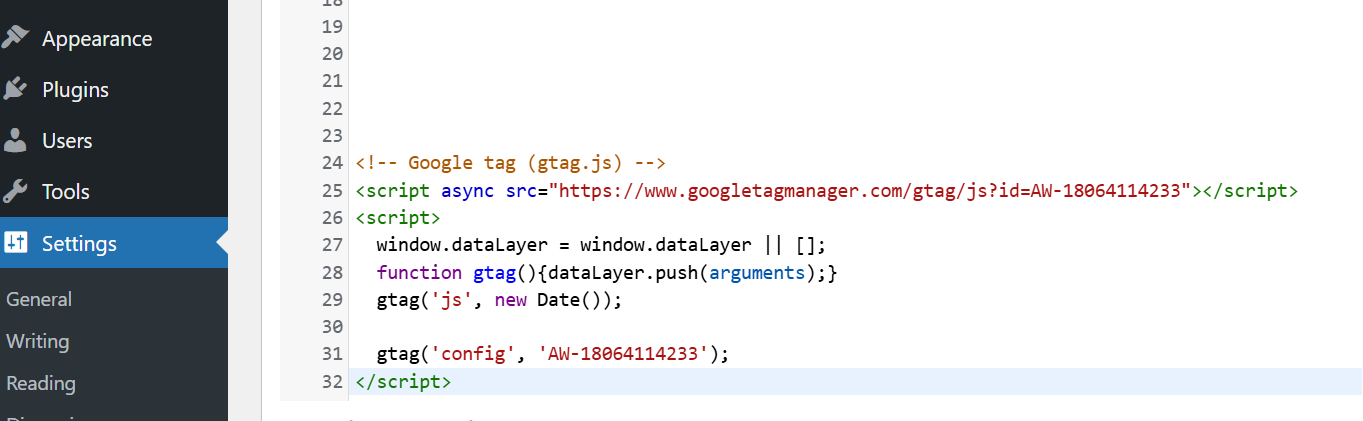
Step 16 / Payload Breakdown
Google Ads Conversion Setup Screenshot 16

Inspecting outgoing network payloads ensuring accurate account matching flags.
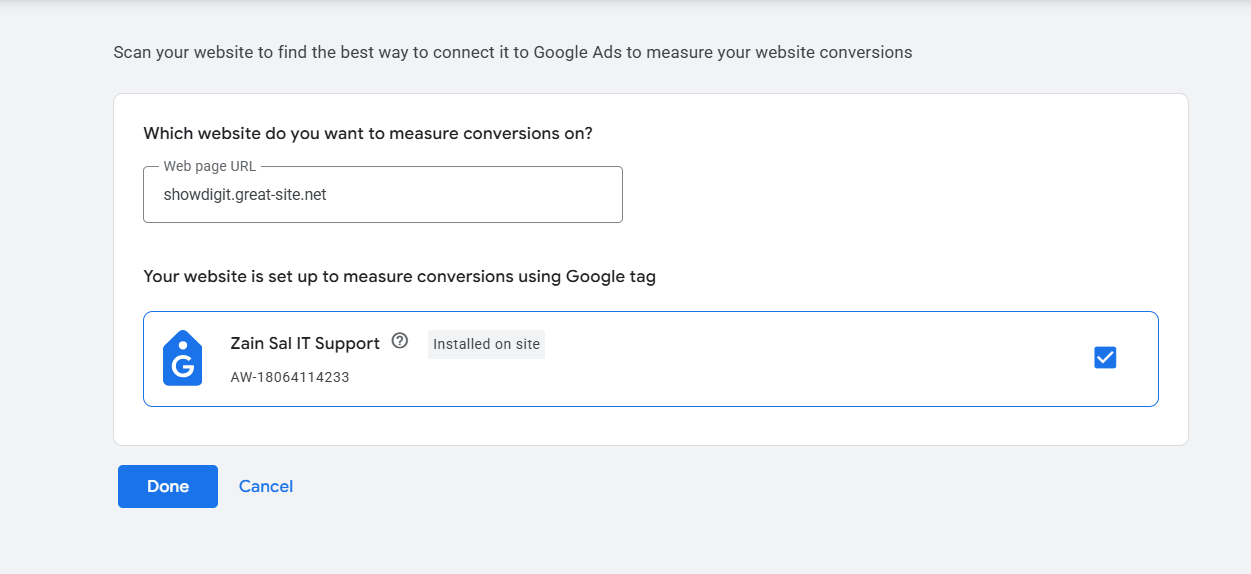
Step 17 / Conversions Portal Log
Google Ads Conversion Setup Screenshot 17

Mapping verification directly inside Google Ads dashboard pipeline indicators.
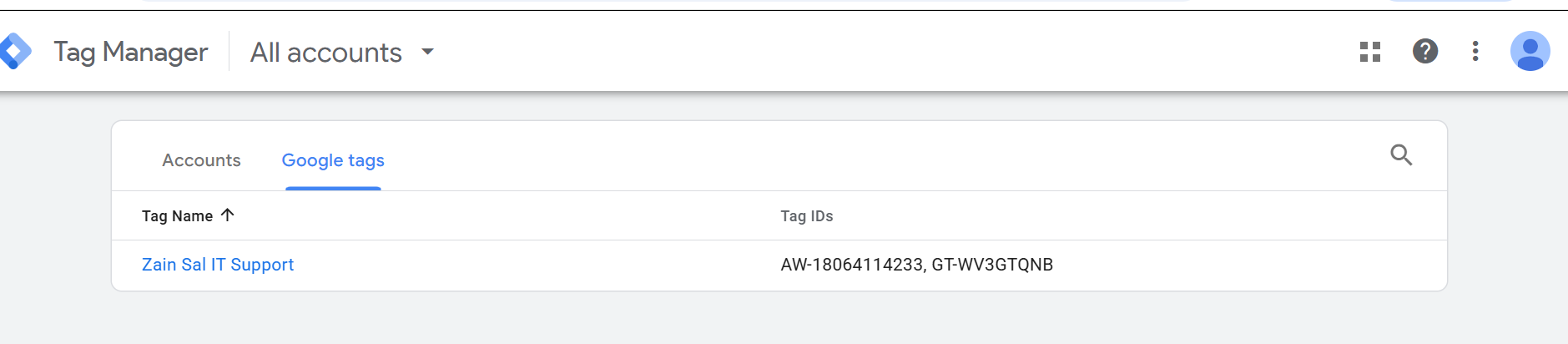
Step 18 / Conversion Validation Log
Google Ads Conversion Setup Screenshot 18

Reviewing individual tracking status properties inside structural accounts panels.
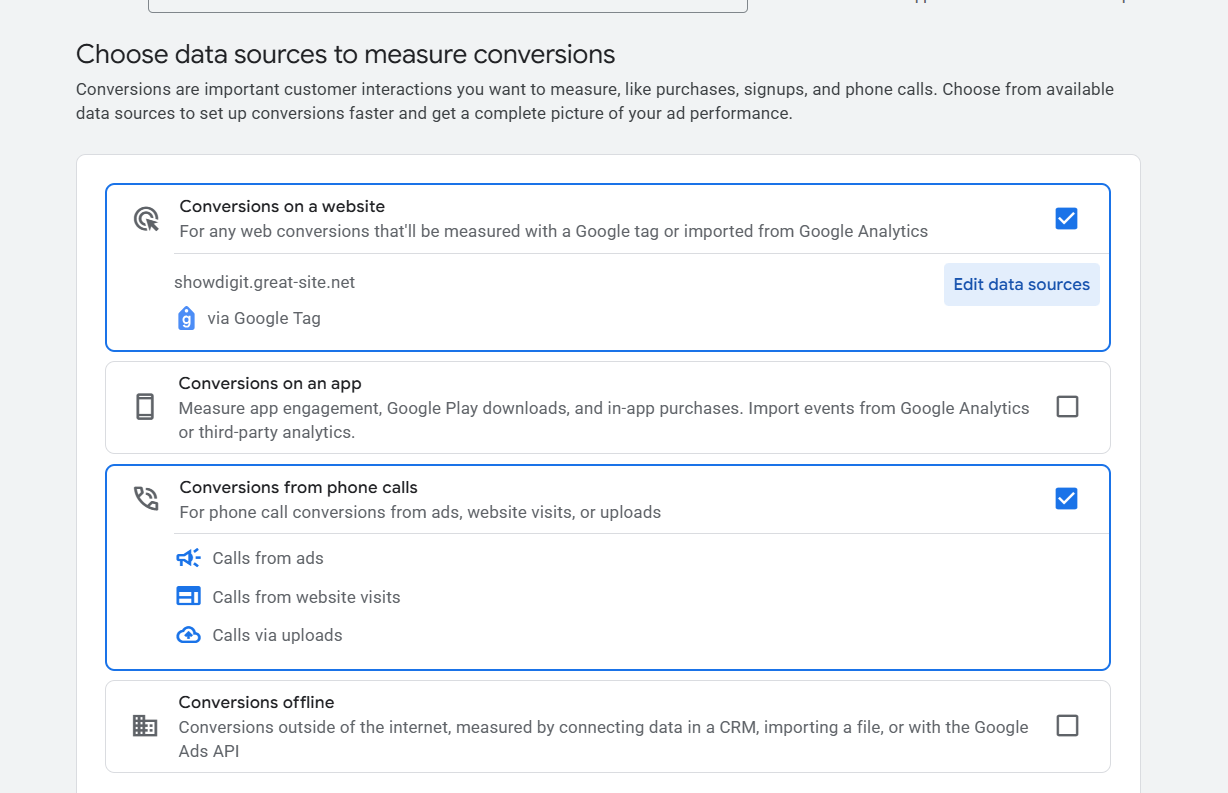
Step 19 / Troubleshooting Engine
Google Ads Conversion Setup Screenshot 19

Isolating edge exceptions within diagnostic frameworks before deployment commits.
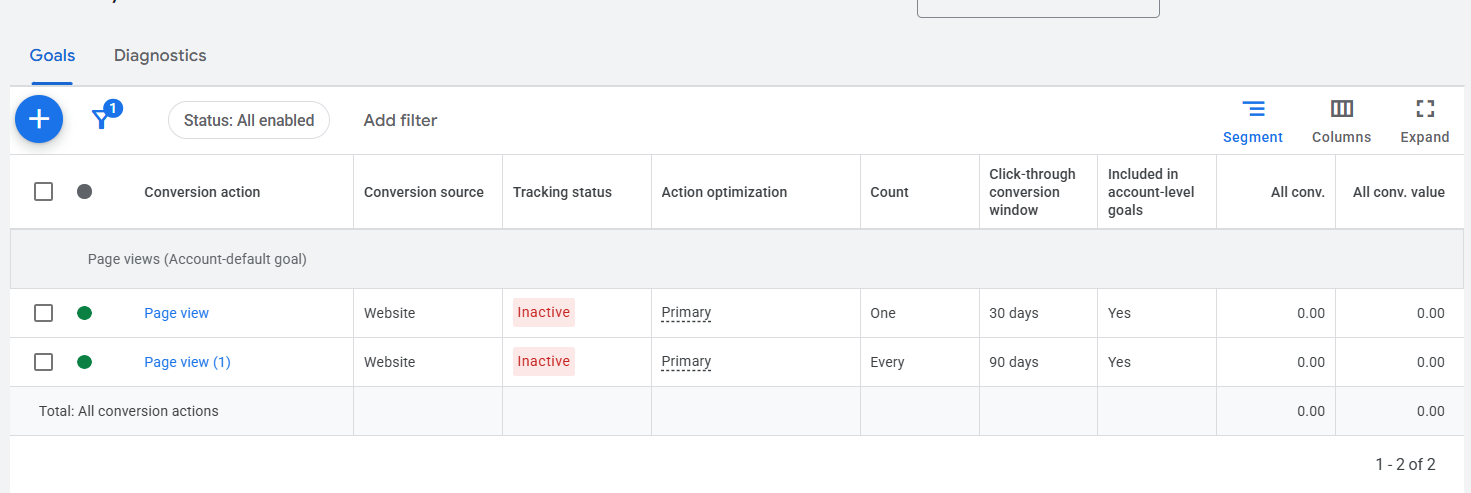
Step 20 / Live Tag Assistant Validation
Google Ads Conversion Setup Screenshot 20

Validating persistent sessions tracking across pages with clean diagnostic logs.
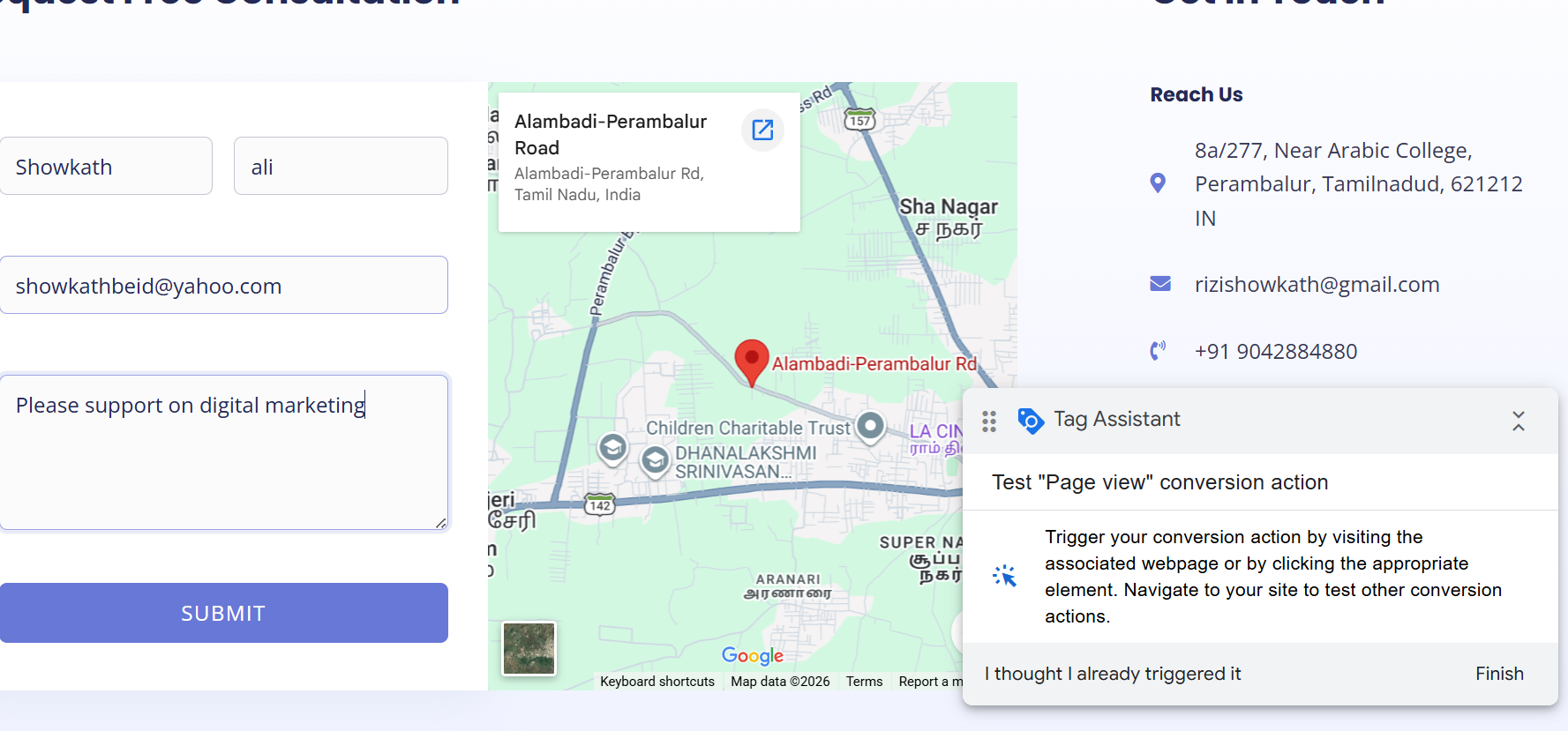
Step 21 / Finalizing Container Publish
Google Ads Conversion Setup Screenshot 21

Naming and logging workspace variations before publishing changes directly live.
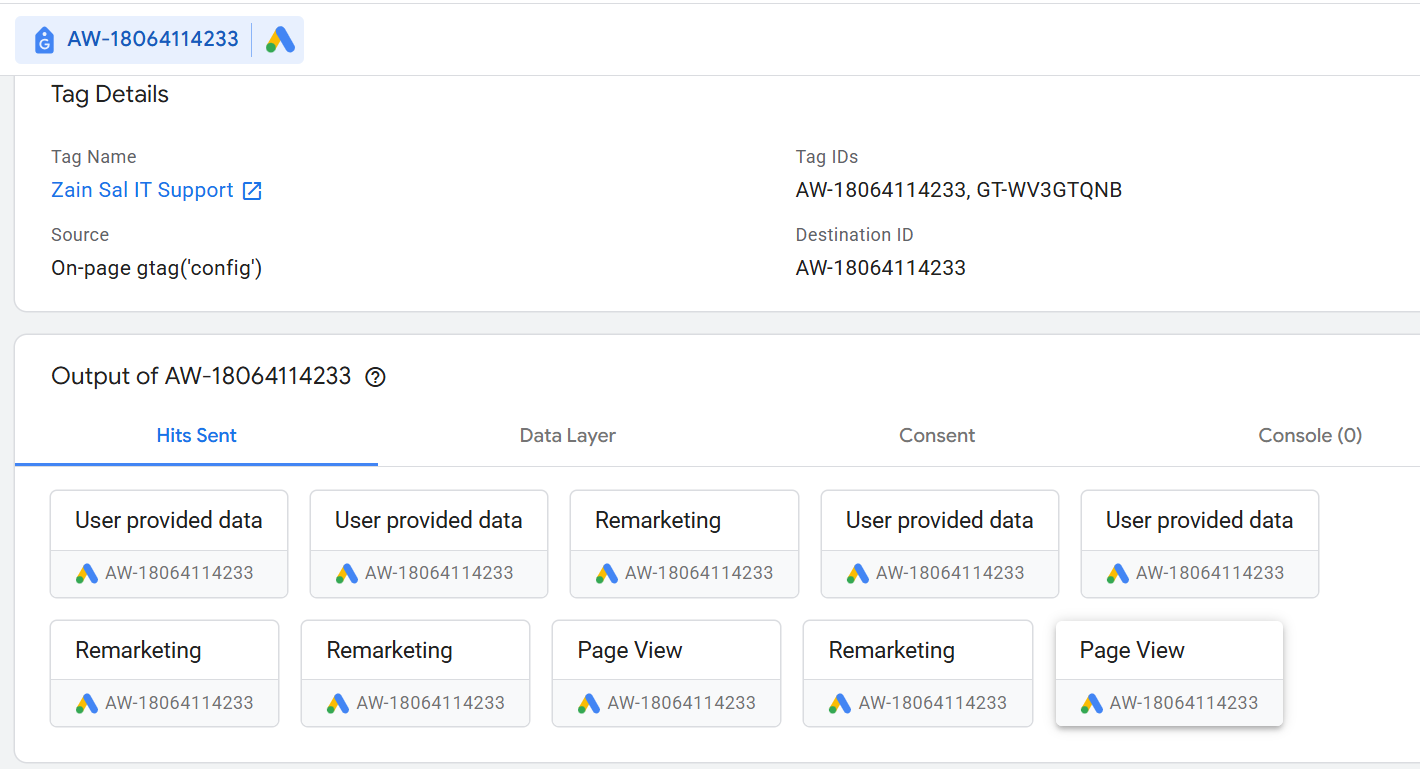
Step 22 / Active Deployment Status
Google Ads Conversion Setup Screenshot 22

Live activation verification dashboard showing functional data stream signals parsing smoothly.

Need Help with Ads & Tracking Implementations?

I optimize digital architectures by injecting data-accurate tracking layers via GTM for flawless PPC conversion attribution.

Request Tracking Integration